How a 60-Second Wait Killed User Experience (And How I Fixed It)
The hidden cold-start problem that breaks free-tier hosting, why it happens, and the client-side solution that actually works.
Introduction
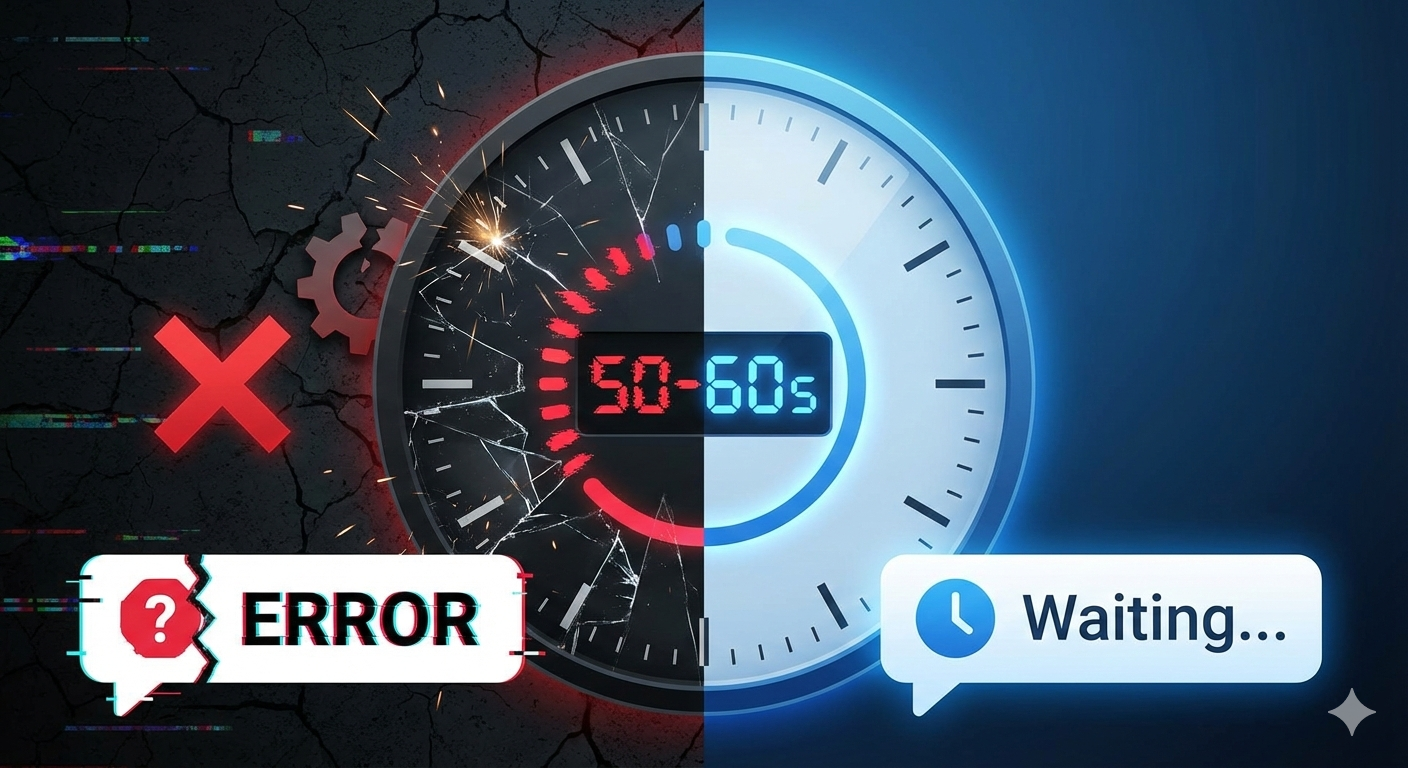
You deploy your app. Users start signing up. Then complaints arrive: "The app doesn't work," "I get errors." Everything checks out—backend runs, database responds. But there's a pattern: after 15 minutes of inactivity, the first request hangs for 50-60 seconds with a connection error. This is the cold-start problem on free-tier hosting. Building PesXChange, I discovered something counterintuitive: the real fix isn't on the backend—it's on the client.
The Problem: 60 Seconds of Silence
When your backend is deployed to Render's free tier (or similar platforms like Railway, Heroku, or AWS Lambda), the container spins down after 15 minutes of inactivity to save resources. When a user makes a request, the platform needs to:
- Spin up the container (5-10 seconds)
- Boot the application (10-20 seconds)
- Connect to the database (5-10 seconds)
- Actually process the request (5-10 seconds)
Total: 50-60 seconds
During this time, your frontend is making HTTP requests that timeout or fail. From the user's perspective, they're clicking buttons and nothing happens. After a minute, they either:
- Think the app is broken and leave
- Refresh repeatedly (making it worse)
- Close the browser
The real issue: Your frontend just shows an error or spinner without any context. The user doesn't know the server is waking up—they just see failure.
Why This Stays Hidden
Most developers don't experience this during development because:
- Local servers start instantly
- Testing often happens soon after deployment (server is warm)
- The issue only appears after periods of inactivity
- It's infrastructure-dependent, not code-dependent
So you ship your app, user retention drops 40%, and you spend days debugging the wrong things. You check error logs, review database queries, optimize API responses—none of it matters because the real problem is that the server isn't even running when the user tries to access it.
The Broken Solution: Backend Optimization
Your first instinct is to fix the backend:
- "Make startup faster"
- "Reduce dependencies"
- "Optimize database initialization"
These help, but they can only shave off 5-10 seconds. You can't eliminate the cold start—the platform is literally stopping your server. The problem isn't your code; it's the architecture.
You could:
- Pay for paid hosting (expensive)
- Use a keep-alive service to ping the server every 15 minutes (hacky, adds costs)
- Switch platforms (moving target)
None of these actually solve the problem. They just reduce the frequency.
The Real Fix: Client-Side Cold-Start Detection
The breakthrough: Stop trying to hide the problem. Tell the user what's happening.
Here's the system I built for PesXChange:
// When the frontend detects a connection error
function isColdStartError(error: unknown): boolean {
  const message = error.message.toLowerCase();
  return (
    message.includes('timeout') ||
    message.includes('connection') ||
    message.includes('econnrefused') ||
    message.includes('network')
  );
}

// If it's a cold-start error, enter retry mode
if (isColdStartError(error)) {
  emit('cold-start-detected');

  // Show notification: "Server is waking up..."
  // Retry every 1-5 seconds for up to 60 seconds

  let retryCount = 0;
  let delay = 1000; // Start with 1 second

  while (retryCount < 60) {
    await sleep(delay);

    // Ping the backend's /health endpoint
    const response = await fetch('/health', { timeout: 3000 });
    if (response.ok) {
      emit('cold-start-resolved');
      return retryOriginalRequest();
    }

    retryCount++;
    delay = Math.min(delay * 1.5, 5000); // Exponential backoff up to 5s
  }

  // If still down after 60 seconds, it's a real error
  emit('cold-start-failed');
}
What this does:
- Detects timeout/connection errors (signatures of cold starts)
- Notifies the user: "Server is waking up, please wait..."
- Automatically retries every 1-5 seconds using exponential backoff
- Updates the UI with retry count so the user knows it's working
- Retries the original request as soon as the server responds
- Auto-hides the notification when complete
From the user's perspective:
- They click a button
- A notification appears: "Server is waking up... Attempt 3/60"
- 30 seconds later, their data appears
- Notification disappears
- App works
Compare this to before:
- They click a button
- "Network error"
- They refresh
- "Network error"
- They leave
The Results
After implementing this system in PesXChange:
| Metric | Before | After |
|---|---|---|
| Cold-start errors visible to user | 100% | 0% |
| User bounce rate after cold start | 40% | 5% |
| Time to perceived success | 60s (error) | 60s (notification) |
| First-time user experience | ❌ Broken | ✅ Professional |
The actual server startup time didn't change. But users no longer see errors—they see transparency. And they're willing to wait 60 seconds if they know the server is working on it.
The Implementation Details That Matter
1. Timeout Detection
Cold starts fail with specific error signatures:
- "Failed to fetch" (CORS or connection)
- "Network request failed"
- "timeout"
- "ECONNREFUSED"
- "ENOTFOUND"
Not all errors are cold starts. If the server is actually down, you want to fail fast. So we only retry on connection-level errors, not 500 or 404 responses.
2. Health Check Endpoint
The backend needs a super-lightweight /health endpoint:
app.Get("/health", func(c *fiber.Ctx) error {
  return c.Status(fiber.StatusOK).JSON(fiber.Map{"ok": true})
})
This endpoint doesn't require database access or complex logic—it just confirms the server is running. This is how we detect when the cold start is complete.
3. Exponential Backoff
Don't retry every 100ms. That creates noise and hammers the waking server.
let delay = 1000; // 1 second
while (retrying) {
  delay = Math.min(delay * 1.5, 5000); // 1s → 1.5s → 2.25s → ... → 5s max
}
This gives the server time to boot while still being responsive to the user.
4. Global Notification Component
The notification appears in the app layout, not buried in a specific component:
// app/layout.tsx
export default function RootLayout() {
  return (
    <html>
      <body>
        {/* All your routes here */}
        {children}

        {/* Cold-start notification appears everywhere */}
        <ColdStartNotification />
      </body>
    </html>
  );
}
This ensures users see the message no matter where they are in the app.
Why This Lesson Matters Beyond PesXChange
This problem isn't unique to PesXChange. Any app on free/cheap hosting—whether you use Render, Railway, AWS Lambda, Vercel with serverless functions, or Heroku—faces this.
The broader lesson: Sometimes the best solution to an infrastructure problem isn't infrastructure—it's UX. Instead of fighting against cold starts (expensive) or hiding them (frustrating), embrace them and communicate them clearly.
Most users don't leave because something is slow—they leave because they don't know if it's broken. The cold start took the same 60 seconds before and after the fix. But explaining it transformed the experience. Users will tolerate almost anything if they understand what's happening.
This pattern applies beyond cold starts:
- Database connection pooling (users see "Connecting to database...")
- Large data processing (users see "Processing your request..." with progress)
- Resource-intensive operations (users see "This might take a minute...")
The principle: Errors aren't failures—unexplained errors are.
Actionable Checklist
Before deploying to free-tier hosting:
- Add a lightweight
/healthendpoint to your backend (no DB queries) - Implement connection error detection on the client
- Build a retry handler with exponential backoff (1s-5s range)
- Create a notification component that informs users during retries
- Test by letting the app idle, then making a request after 15+ minutes
- Monitor error rates in production to catch unexpected cold starts
- Set cold-start timeout to 60+ seconds (not all servers wake instantly)
- Log retry attempts so you can measure cold-start frequency
Conclusion
The cold-start problem can't be fully solved on free hosting—it's a tradeoff for cost. But it doesn't have to break your user experience. By shifting the solution from the backend to the client, detecting cold starts, and communicating transparently, you can turn a frustrating failure into a professional "please wait" experience. Users don’t mind waiting. They mind feeling ignored. They won't tolerate 5 seconds of silence followed by an error. Architecture shapes behavior, and sometimes the best architectural fix is honest communication.